 FYOS
FYOS05 · Python · Textual · fyos-installer 0.1.3 · PyPI
FYOS Installer
Pick building blocks, see what they become, install – in the browser, in the terminal or with no UI at all.
- steps from “welcome” to “install”
- 6
- interfaces: web, text, command line
- 3
- targets: Compose, Kubernetes, files only
- 3
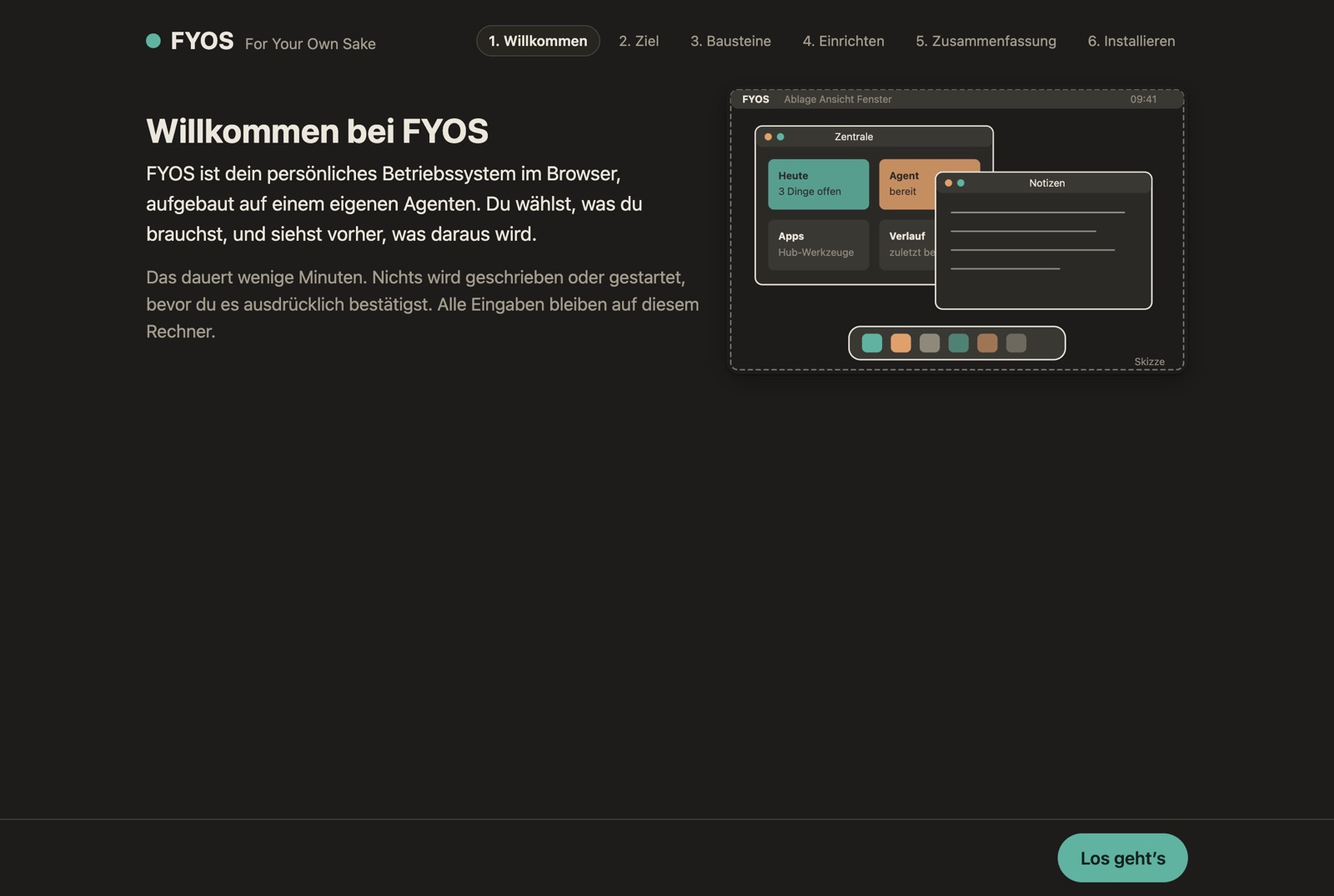
What it is
The installer asks for building blocks (core, agent, plugins), explains each one with pictures and what it turns into, and generates the deployment for Docker Compose or Kubernetes. Dependencies are selected automatically; at the end an acceptance check tests the running installation.
What it does
- A web wizard that stays local. Only on 127.0.0.1, random port, access token in the link; runs offline, no CDN.
- Fully keyboard driven. Tab, space for building blocks, arrow keys in the gallery, enter to continue.
- Text interface. The same steps with Textual, optionally with screenshots right in the terminal.
- Headless.
--auswahl,--ziel,--trockenshows files and commands without writing anything. - Live log and acceptance. Installation with server-sent events; clear exit codes when something is not up.
Every step
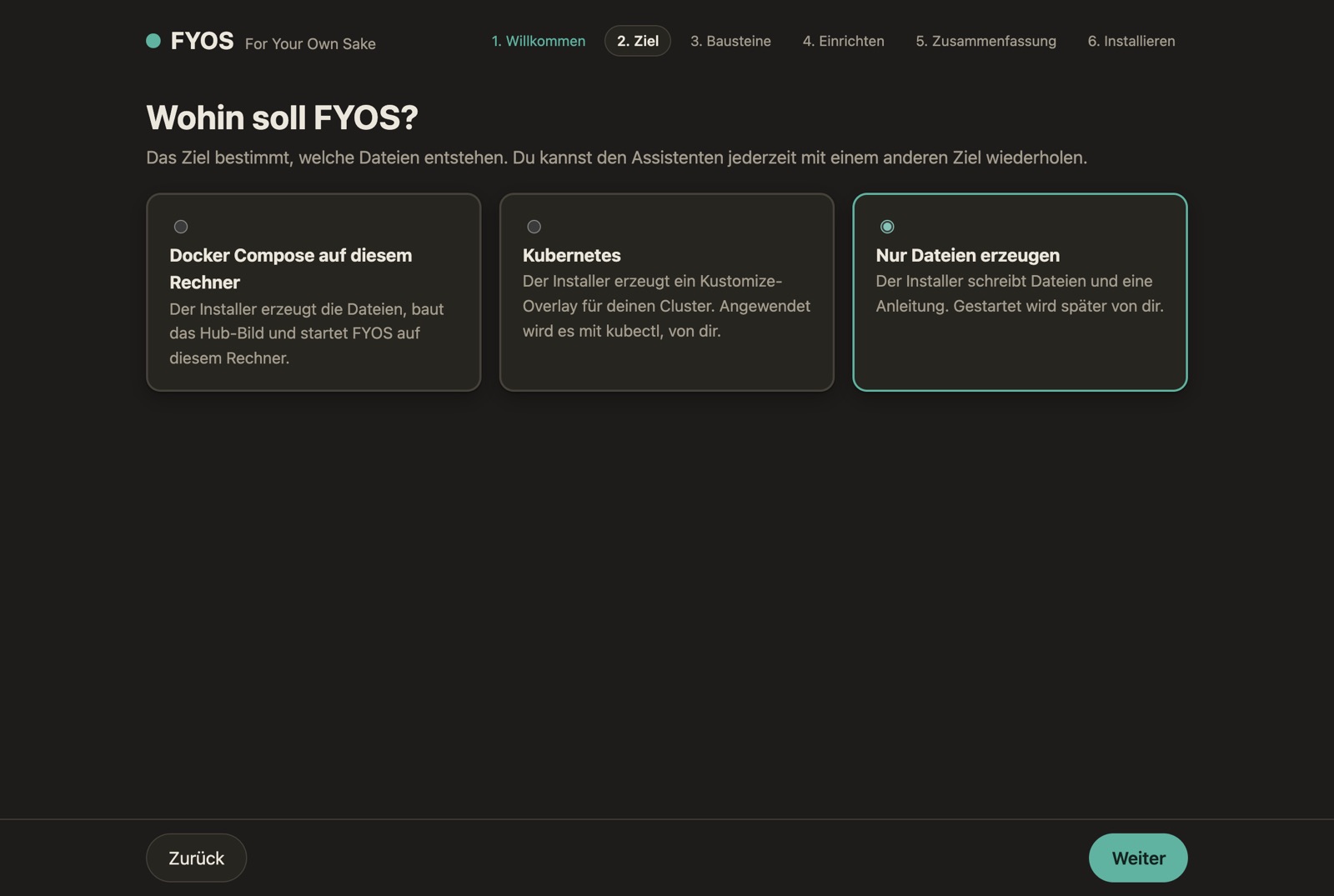
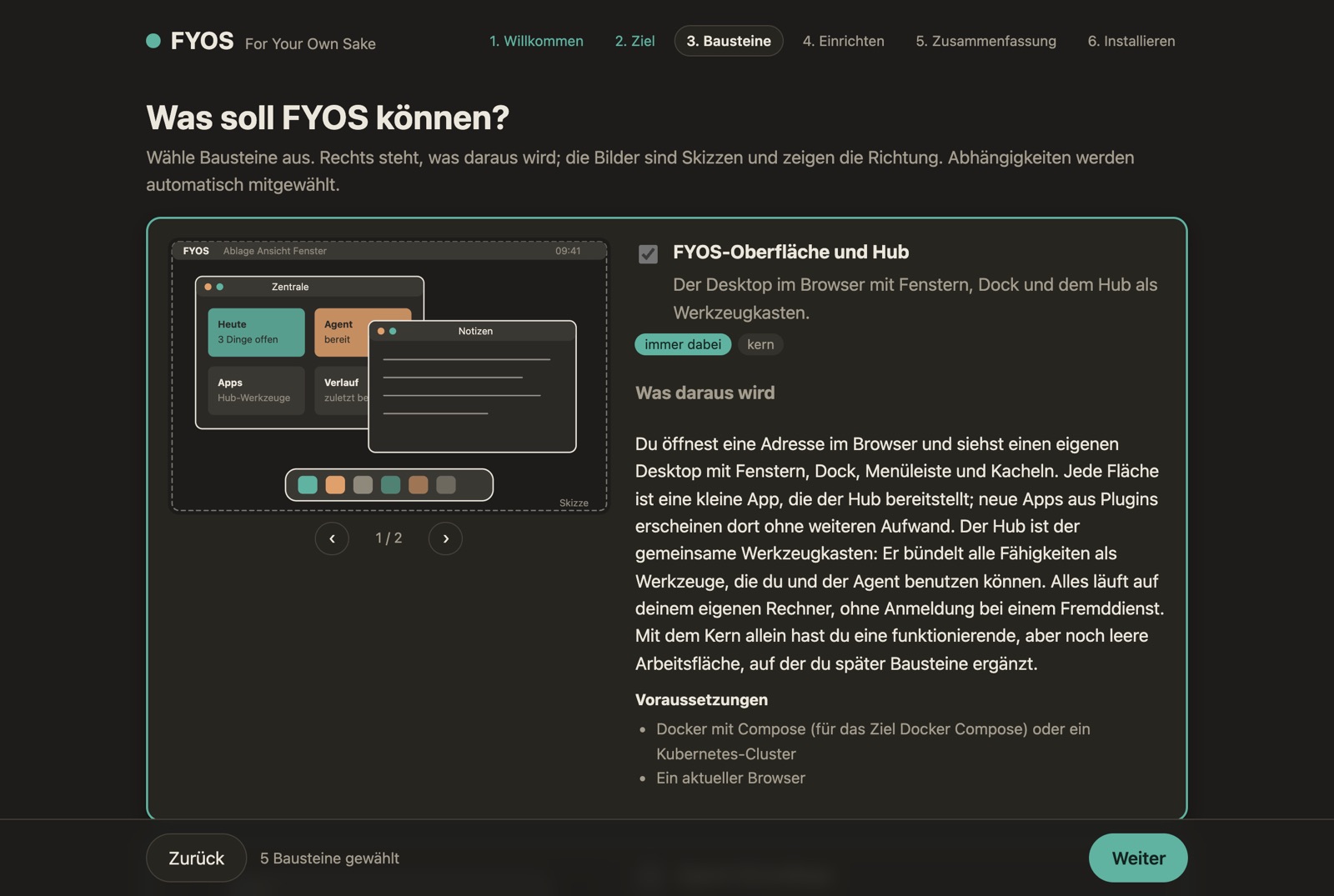
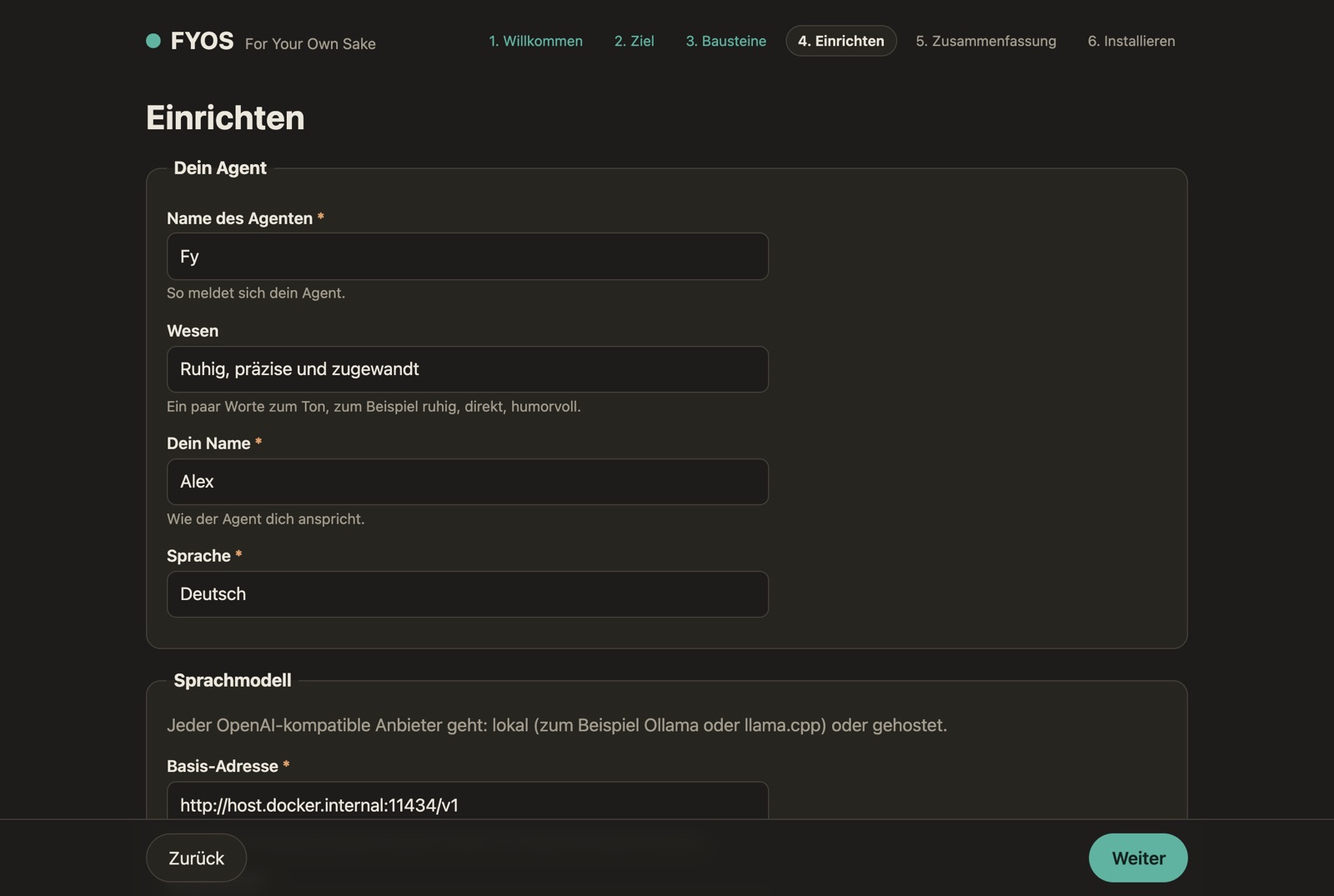
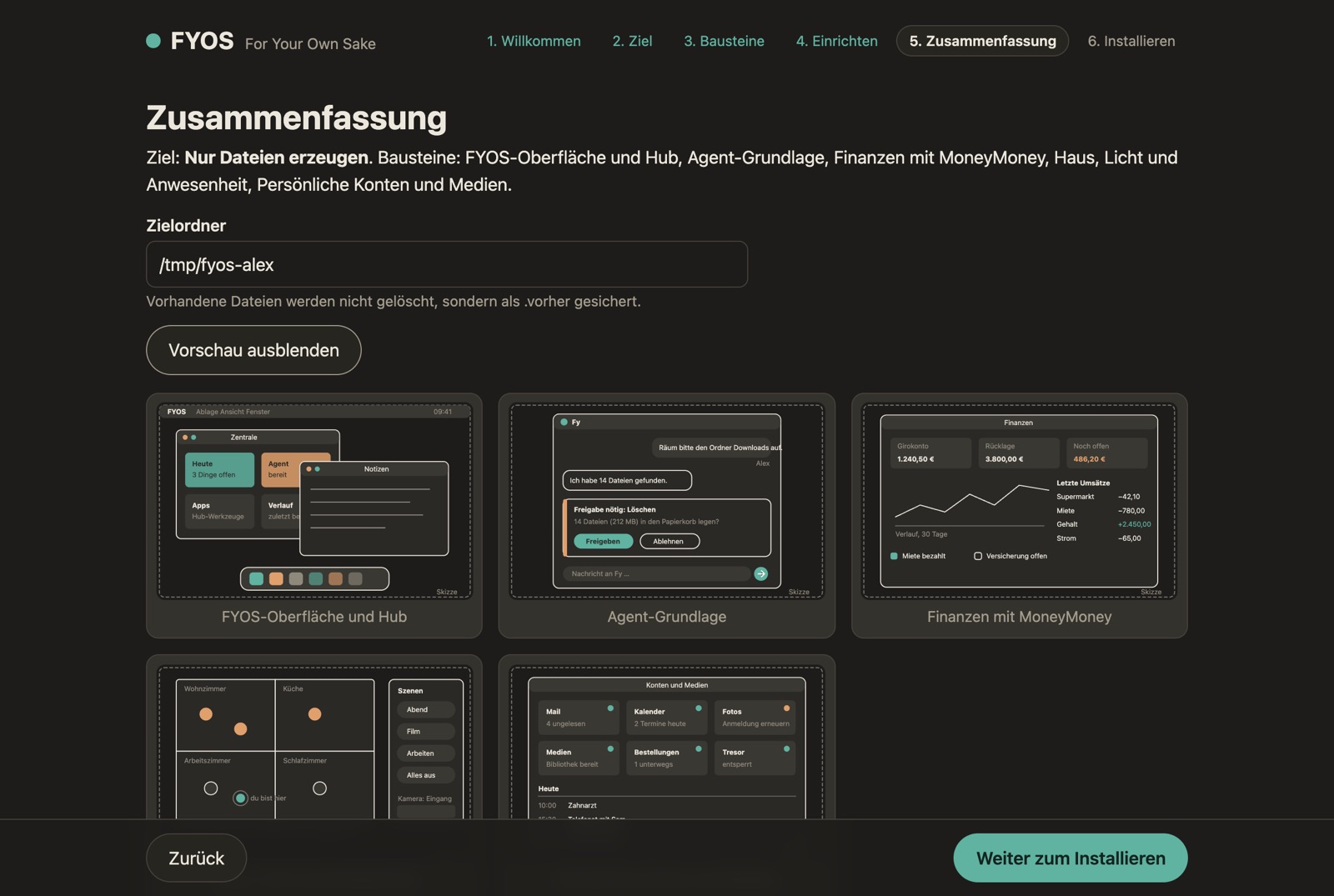
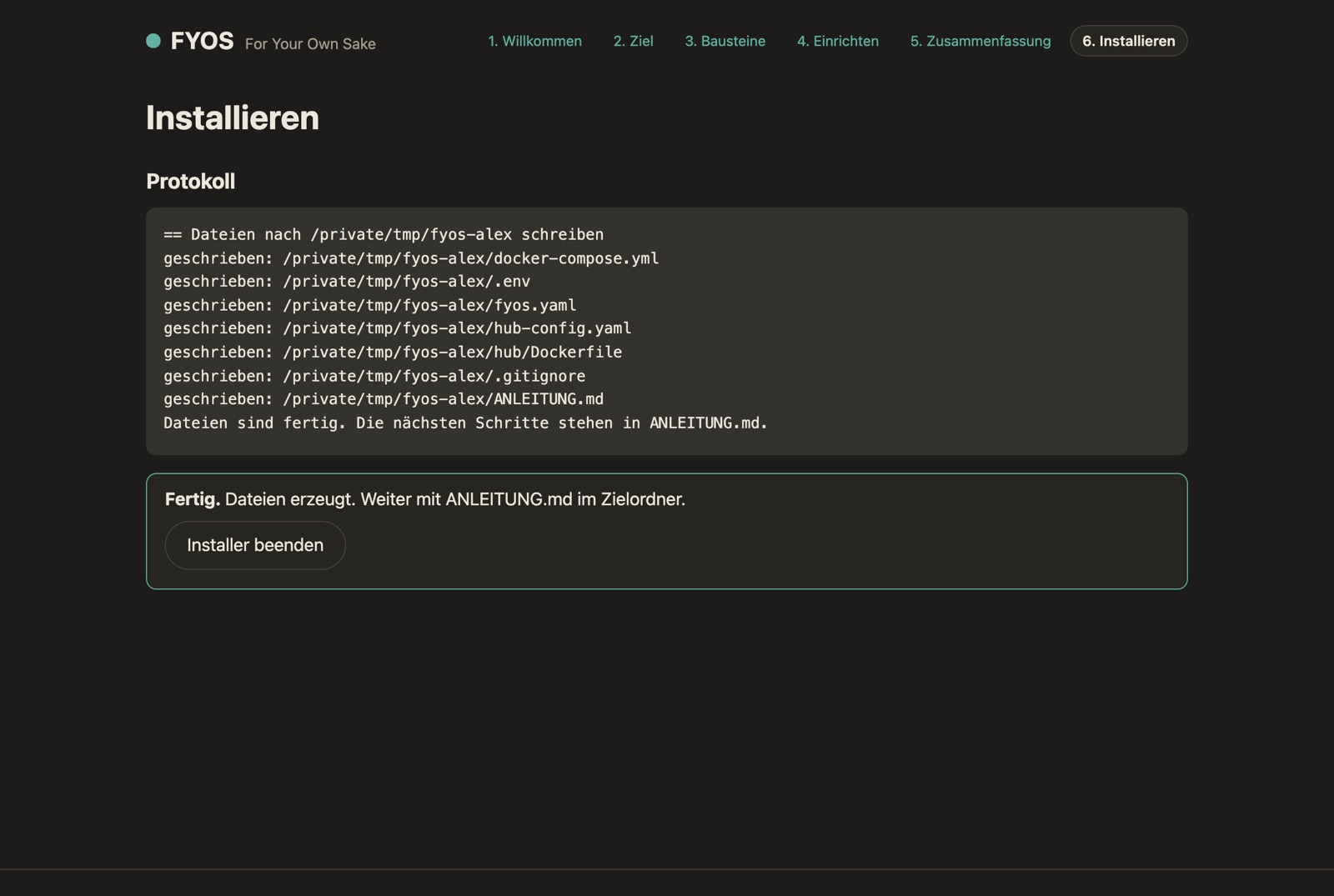
Captured on the distribution’s neutral test server (October 2026), no personal data. Click to enlarge.
Get started
$ pip install fyos-installer       # Python 3.11+
$ fyos-install                     # Web-Assistent; --tui für das Terminal
$ fyos-install --auswahl kern,agent --ziel k8s --trocken